Budget Spreadsheet for Google Sheets & Excel
$3.50Regular price $6.9950% off
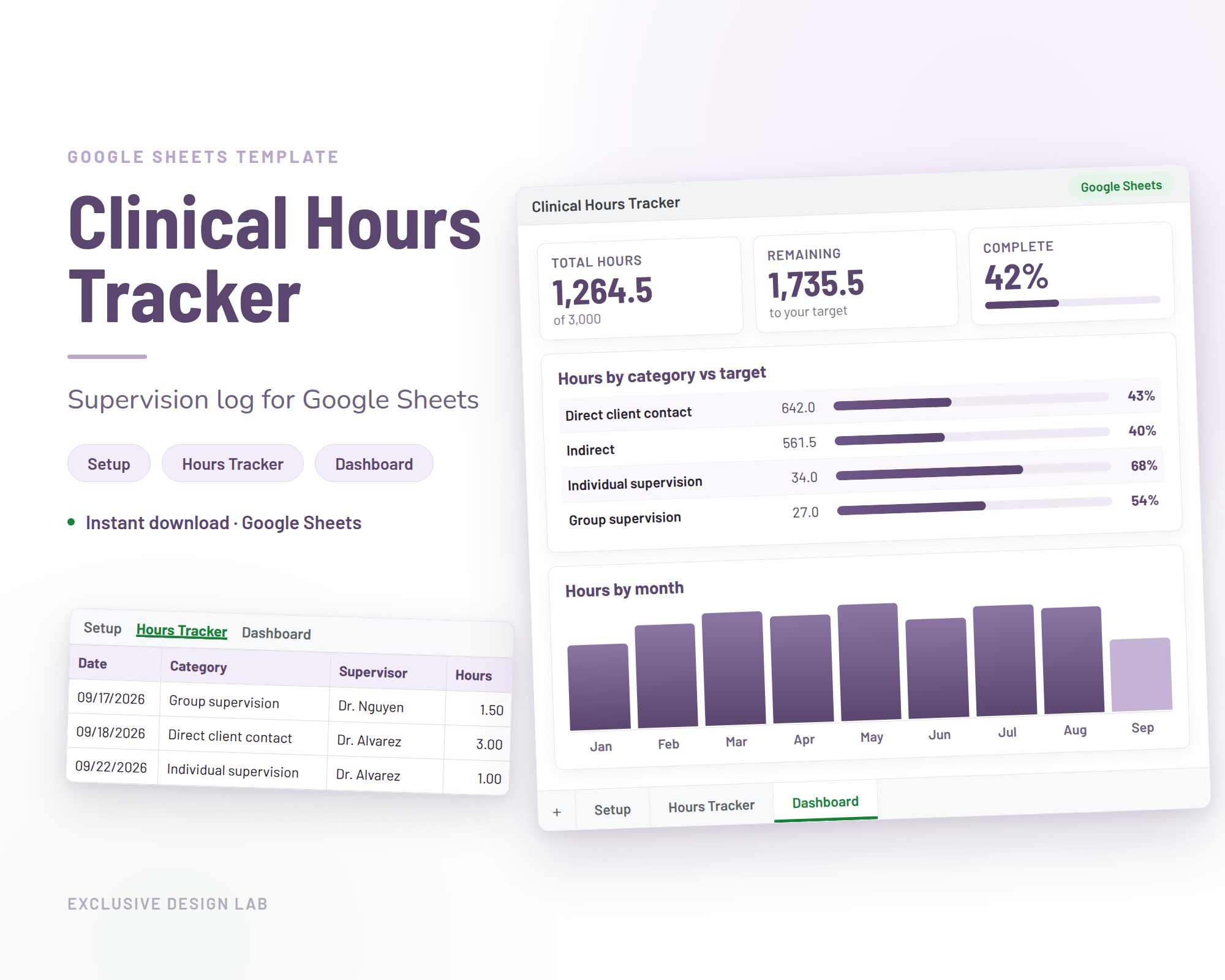
Google Sheets template. Instant download.
A Google Sheets tracker and supervision log that adds up your clinical hours by category and shows how close you are to your targets.
$3.50Regular price $6.9950% off
Buy now for $3.50Please note
Supervised hours are earned one session at a time, and the counting is the part nobody prepares you for. A note here, a supervision hour there, a folder of half-finished logs, and then a licensure application that asks for the totals by category. This Clinical Hours Tracker Spreadsheet keeps the whole record in one place: you record therapy sessions, residency hours and supervision as you go, and the sheet adds them up for you.
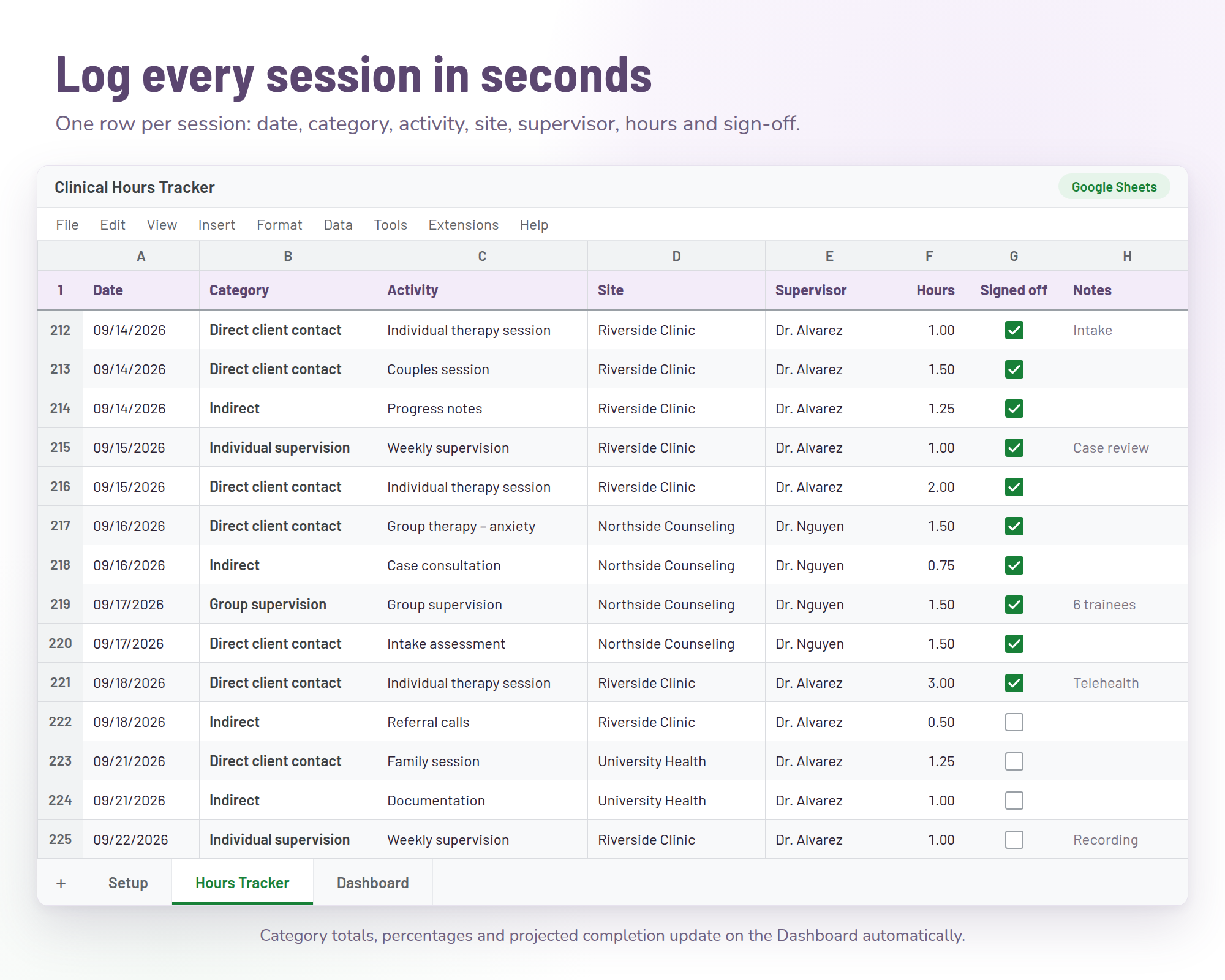
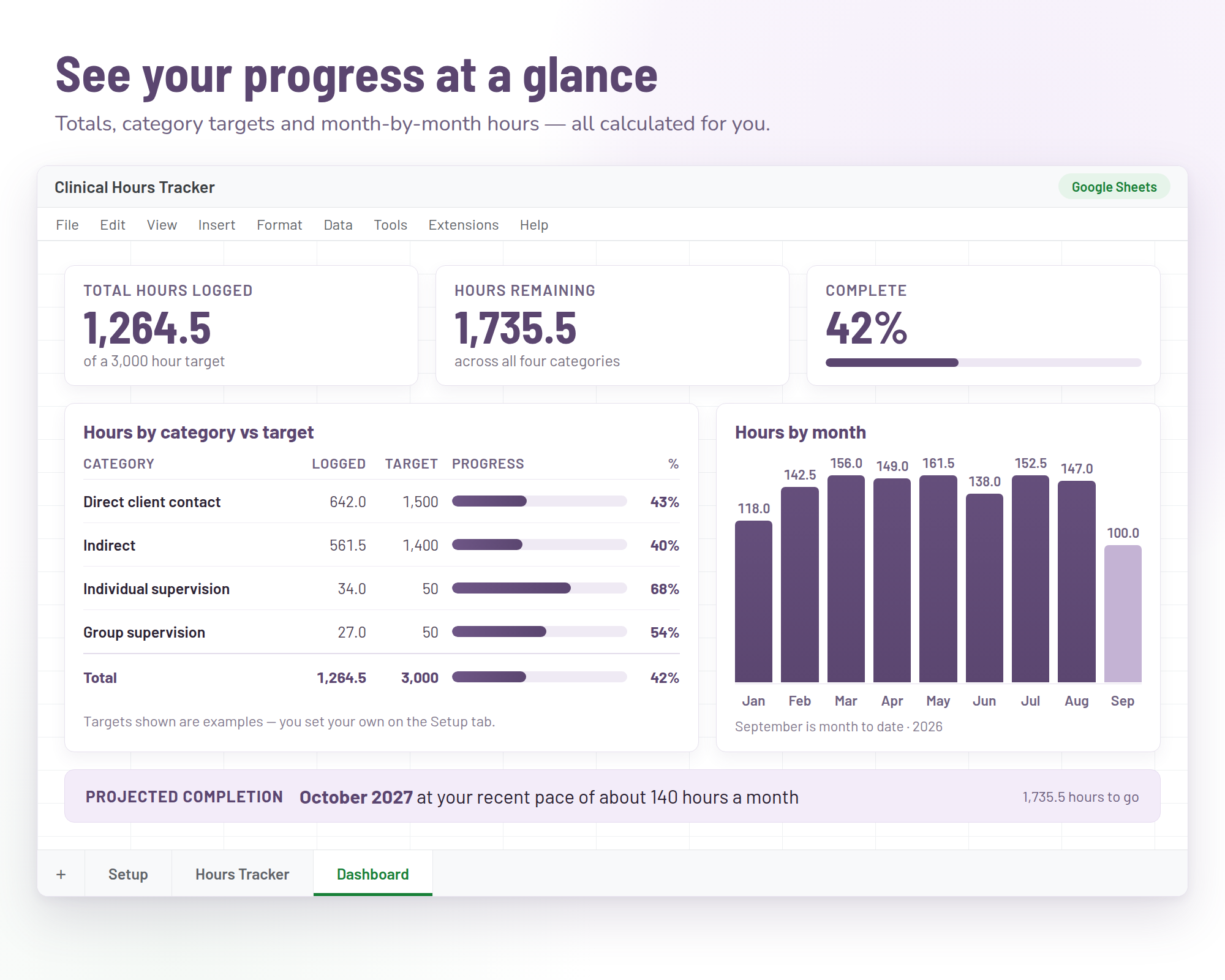
It is a Google Sheets template, built to be easy to use and understand from the first session you log. There are three tabs. In Setup you name your own categories and set a target for each one. In the Hours Tracker you log what you did, when, and with which supervisor. The Dashboard does the arithmetic and shows how far along you are. Because it lives in Google Sheets, it syncs across your devices, so you can log a session on your phone and see the totals on your laptop.
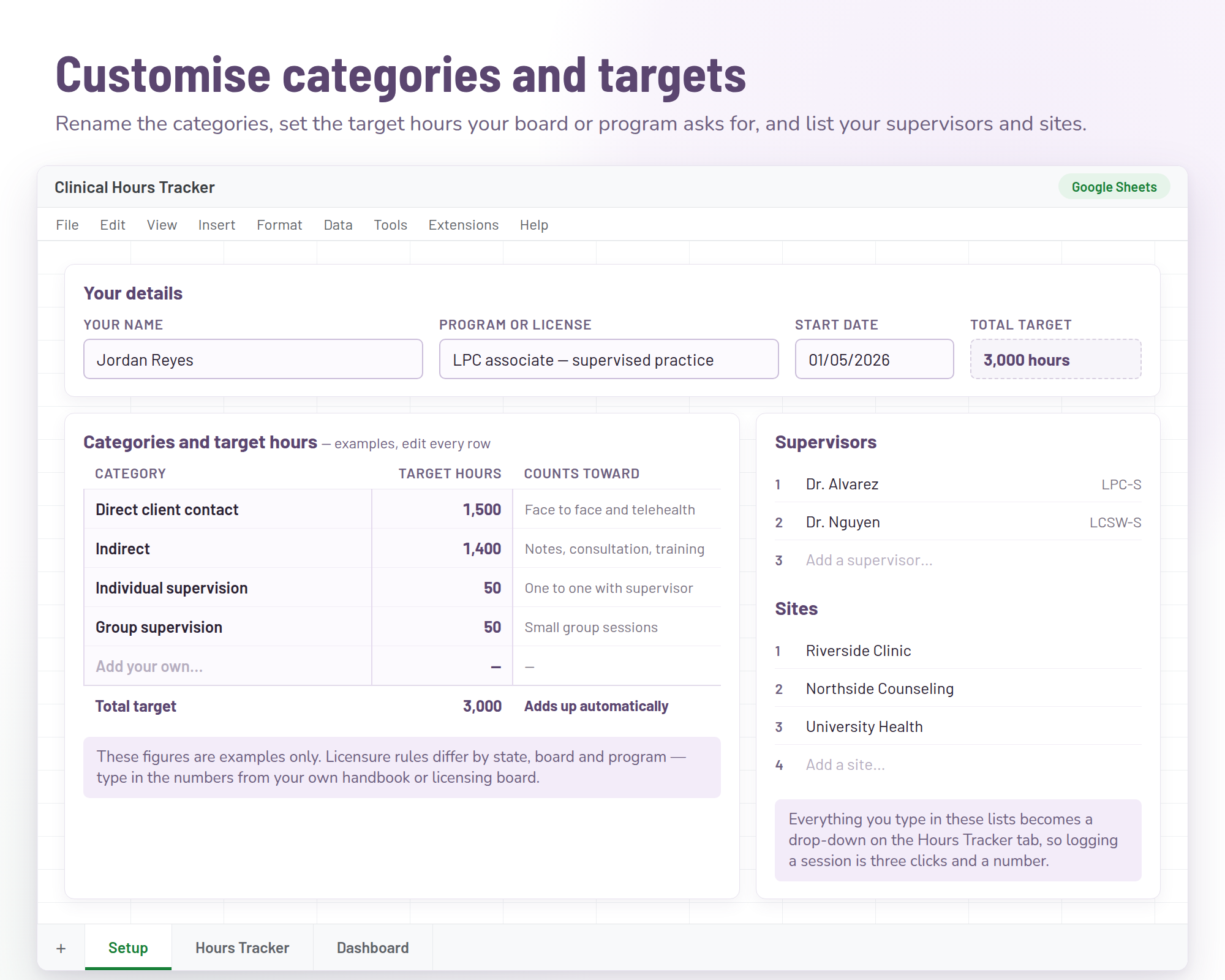
Name your own hour categories and set the target hours for each one.
Log every session as you go: the date, the category, the supervisor and the hours.
See your totals calculated for you, category by category, against the targets you set.
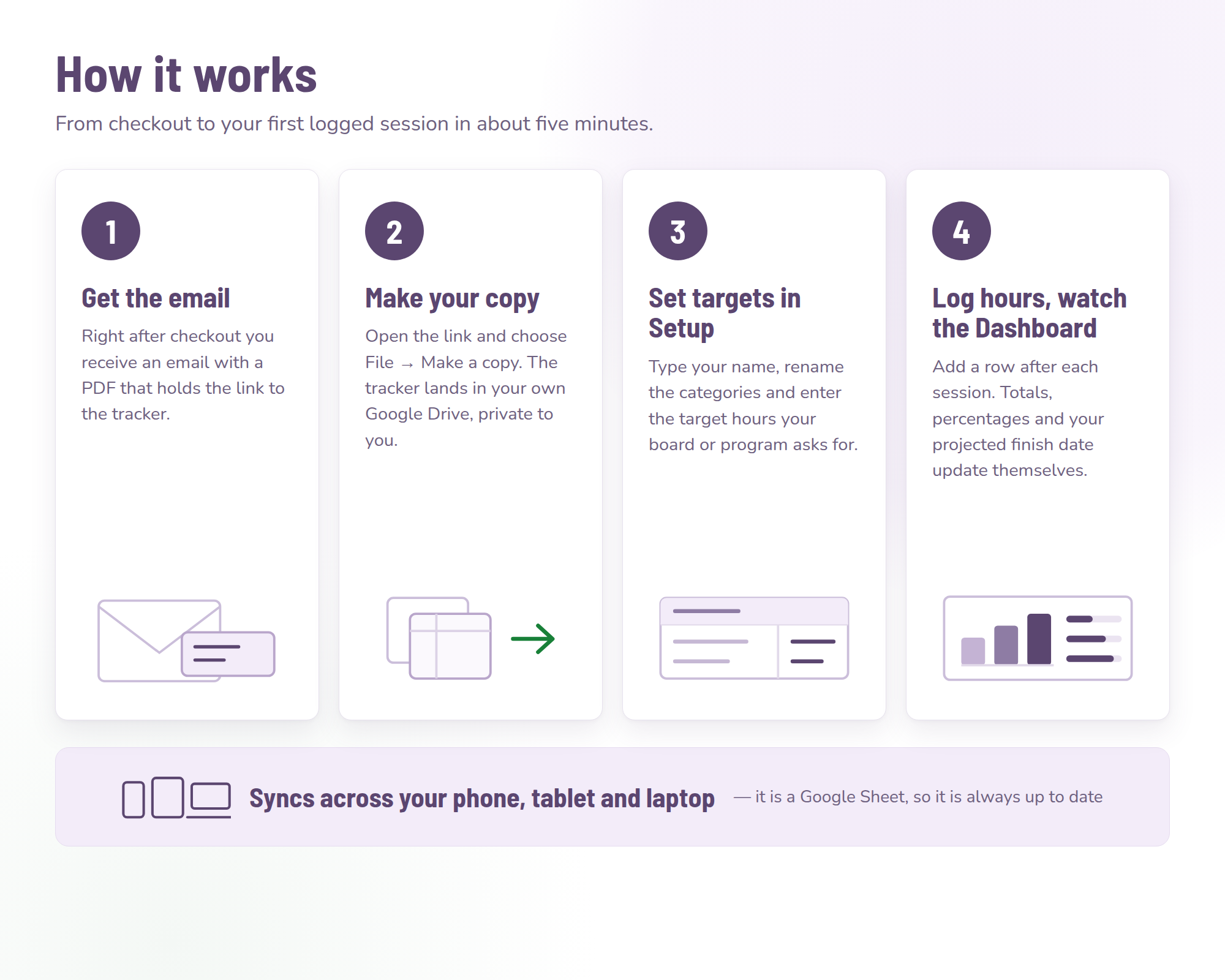
Buy through secure checkout and the PDF lands in your email, with the link to the spreadsheet inside.
Open the link and make your own copy of the sheet in your Google account. That copy is yours to edit and private to you.
In the Setup tab, name the categories you need and set the target hours for each one.
Record your hours in the Hours Tracker tab, and the Dashboard keeps score as you go.
No. The tracker is built in Google Sheets and relies on its formulas, so it is only compatible with Google Sheets, not Excel.
Yes, a free one is enough. You open the link, make your own copy of the spreadsheet in your Google account, and that copy is private to you.
Yes. The Setup tab is where you name your own hour categories and set a target for each, so the sheet matches the way your board or program counts hours.
Yes. It lives in Google Sheets, so it syncs: log a session on your phone after a client, and the totals are there on your laptop.
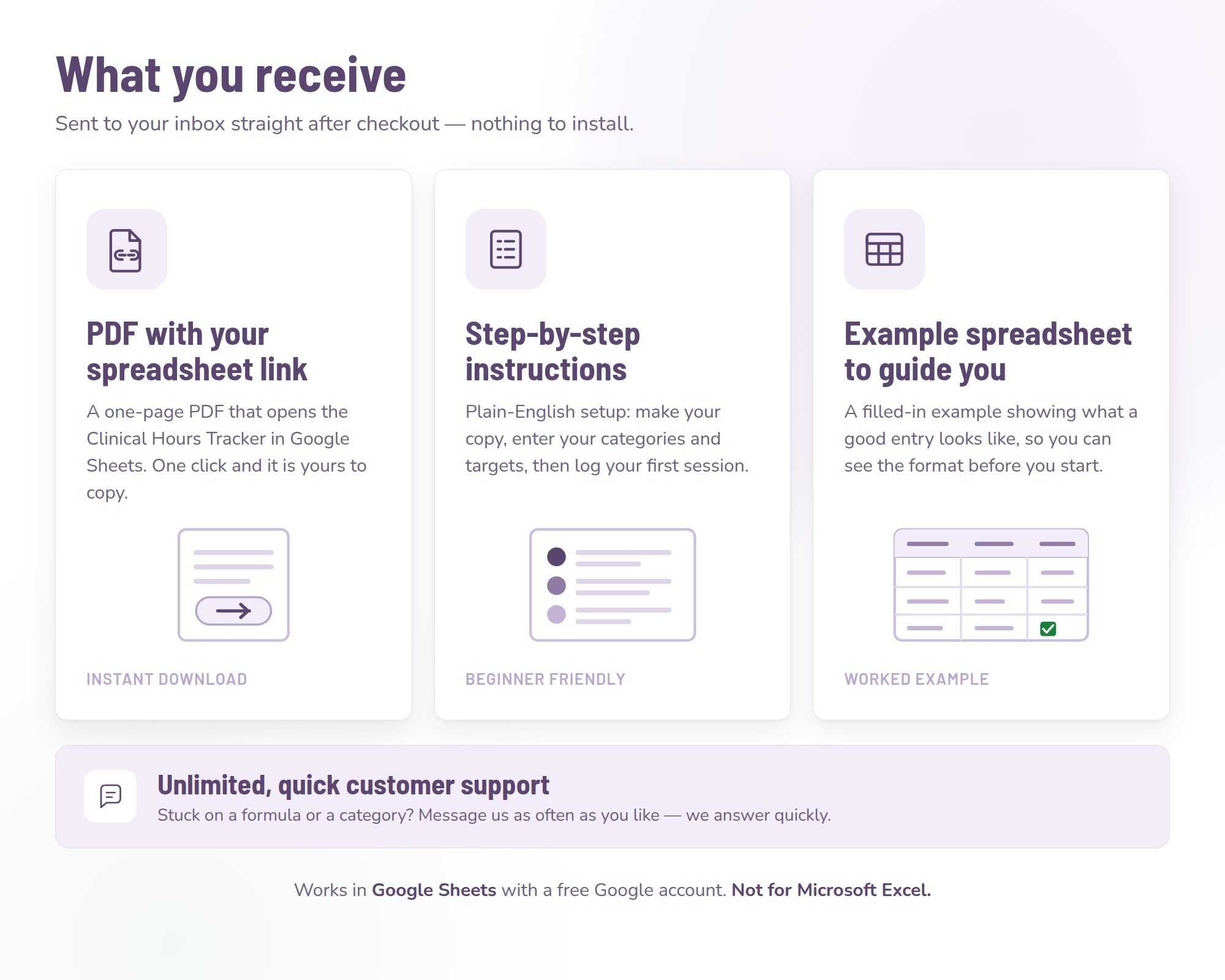
By email after purchase. You get a PDF with the link to the spreadsheet, plus step-by-step instructions and an example clinical spreadsheet to guide you. Nothing ships.
Email support@exclusivedesignlab.com. Support is unlimited and we answer quickly, whether it is setup, categories or a formula you would like changed.
$3.50Regular price $6.9950% off
Buy now for $3.50BCBA fieldwork hours tracking made practical: how to separate restricted and unrestricted activities, log supervision contacts and keep monthly forms current.
Comparing a clinical hours tracking app vs a spreadsheet: control, cost, exports and supervisor sign-off, with a decision checklist and a migration procedure.
A clinical hours verification form is easier when your packet is ready: a 10-step procedure, a reconciliation check and fixes for unreachable supervisors.
Clinical supervision documentation that holds up: the fields every log entry needs, a session note template, a monthly routine and a retention checklist.
A clinical supervision log template with the fields boards expect, filled-in sample entries, a monthly sign-off routine and wording for supervision notes.
Direct vs indirect clinical hours explained with a side-by-side table, a sample week, ratio math and what to do when your direct hours fall behind target.
Telehealth hours for licensure: acceptance varies by board, so here are the questions to ask, how to log modality, and the math on what a cap could cost you.
Group supervision vs individual supervision hours: how boards count each format, the caps that usually apply, and the math behind a half-and-half cap.
$3.50Regular price $6.9950% off
$3.50Regular price $6.9950% off
$3.50Regular price $6.9950% off